isoBurn.
Burn disc images, audio CDs, data discs and DVD-Video on your Mac. Drop it in, insert a blank disc, click Burn.
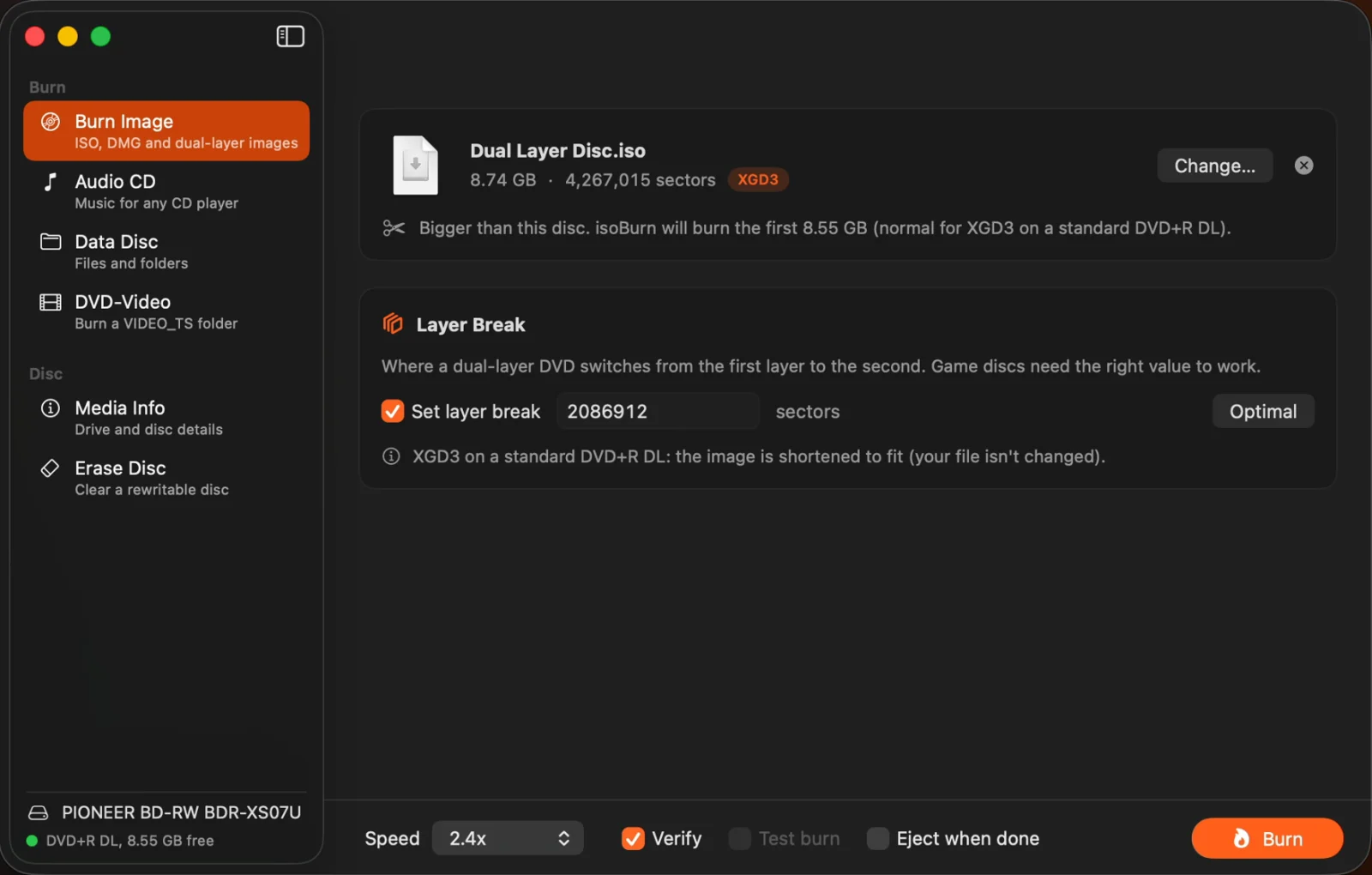
Disc images, with the right layer break
Burn ISO, DMG, CDR and IMG images to CD, DVD or dual-layer DVD. Click Optimal and isoBurn picks the layer break for the image and the disc. It recognizes XGD2 and XGD3 game disc images, and opens .dvd layer break files along with the image next to them.
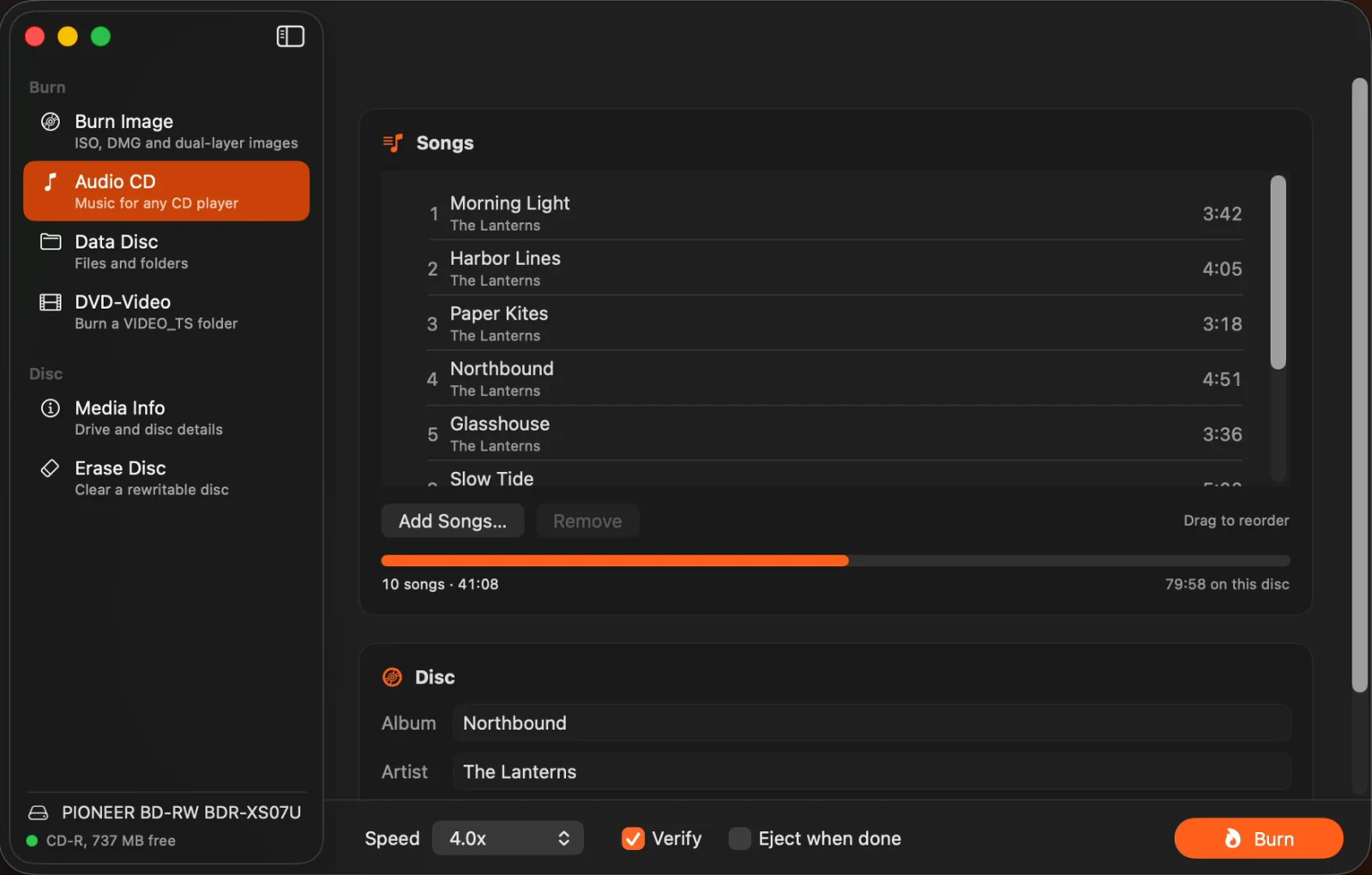
Audio CDs for any player
Make CDs from WAV, AIFF, FLAC, MP3, AAC or Apple Lossless. Drag songs into order, choose the gap between tracks or none at all for live albums and mixes, and add CD-Text so titles show on car stereos.
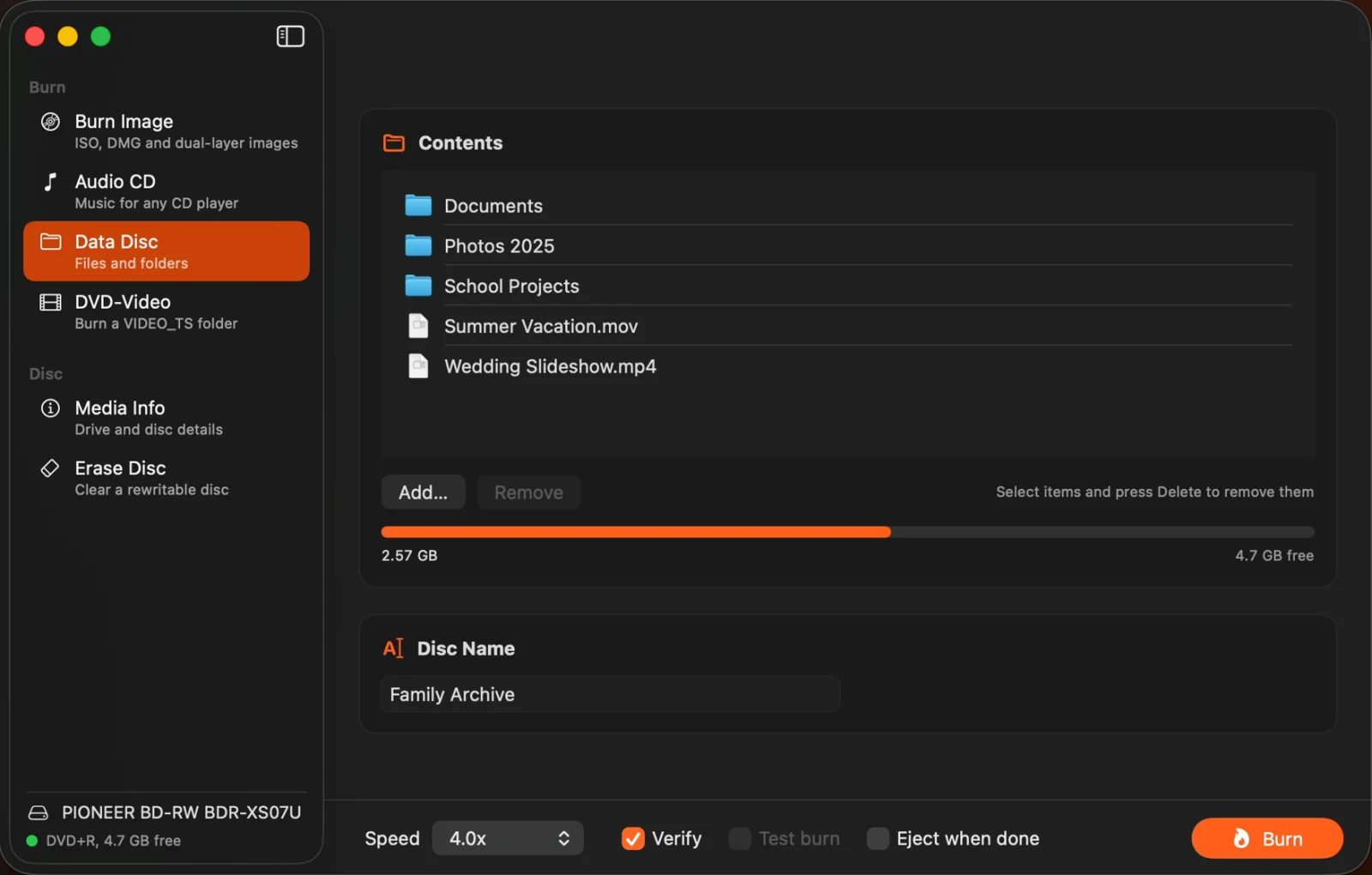
Data discs that open anywhere
Burn files and folders to a disc that opens on Mac, Windows and Linux. Long file names, accents and other languages are kept.
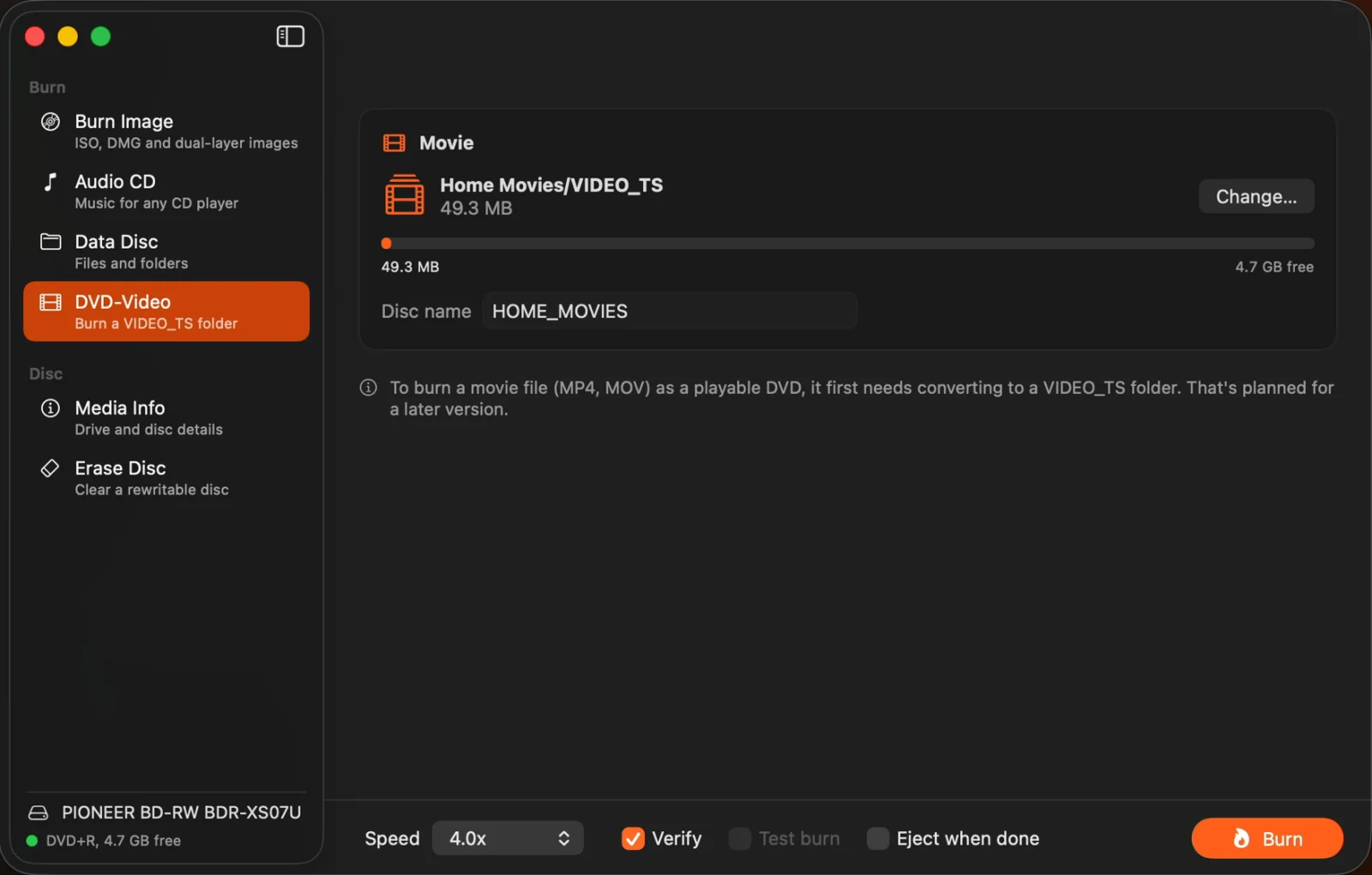
DVD-Video
Burn a VIDEO_TS folder to a DVD that plays in DVD players.
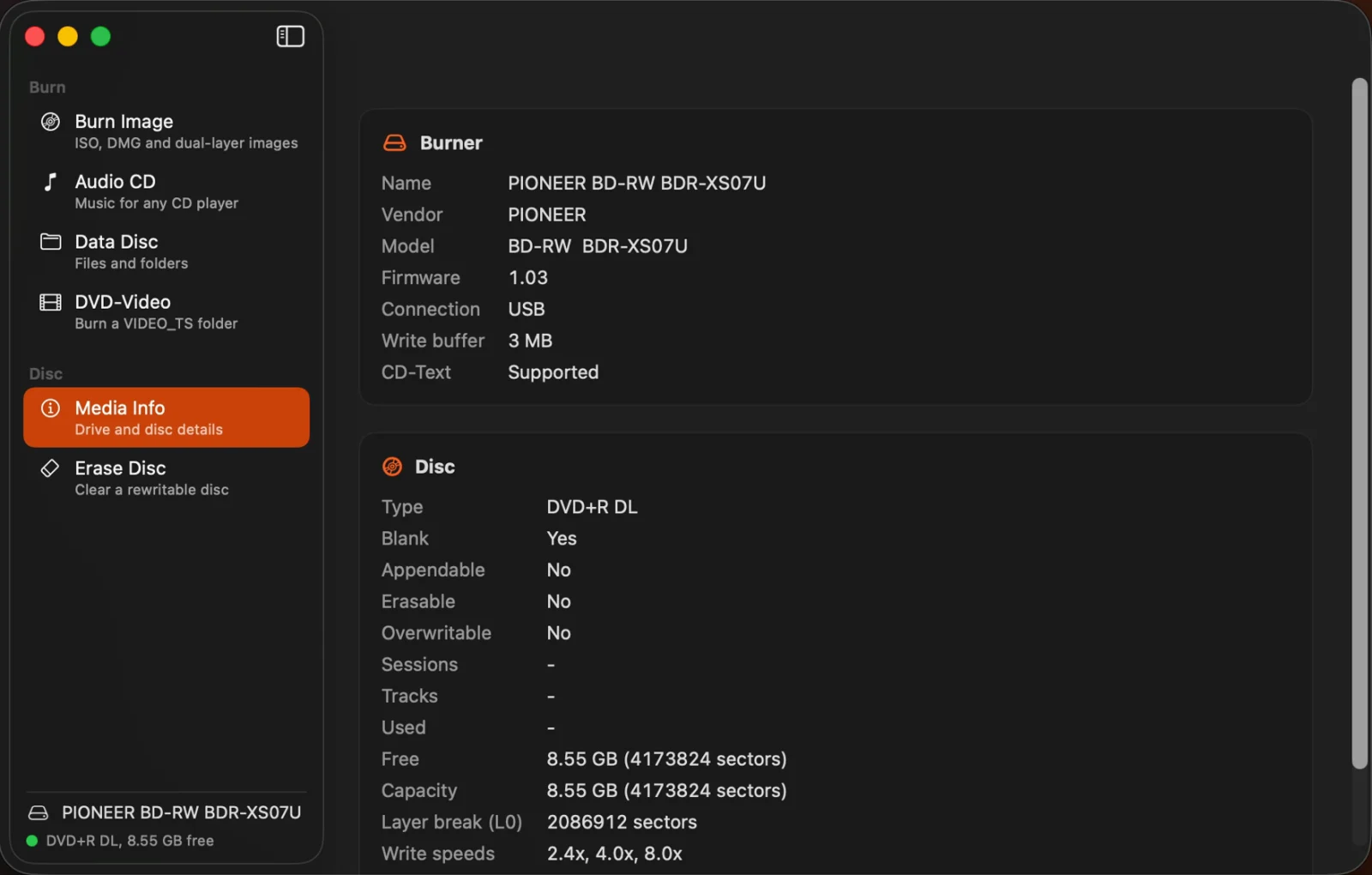
Know your drive and disc
Media Info shows the disc type, capacity, used and free space, sessions and tracks, whether it’s blank or rewritable, the layer break, and the speeds your burner supports. Erase rewritable discs with a quick or complete erase.
Every burn
Your files stay as they are
isoBurn never changes your image. When an image is bigger than the disc, it burns from a temporary copy.
Burn with care
Choose the speed, verify the disc after burning, test burn first on discs that support it, and eject when done. isoBurn warns you before anything that could waste a disc.
Works with your burner
Works with the built-in and external burners macOS supports.
Good to know
Private by design
isoBurn works entirely on your Mac. No account, no analytics, no network connections. It reads only the files you choose. See the privacy policy.
Buy once
One purchase on the Mac App Store. No subscription, no in-app purchases, and updates are free. Already own isoBurn? Version 2.0 is a free update.
Since 2011
isoBurn was Empoc’s first app. Version 2.0 is rebuilt from the ground up, with a new design, audio CDs, data discs and DVD-Video, and fixes for issues reported in reviews.
Questions?
Email us before or after you buy. Include your macOS version, your burner and disc type (Media Info shows both), and what happened.